

How do I make a Hotel Lobby AI video?
Upload one photo for each performer and press generate. The finished 15-second landscape (16:9) video is ready in about 2 to 3 minutes and you can download it as an MP4 with no watermark.
Upload a photo of you and a photo of a friend, and the AI puts you both in the orange booth of the 15-second Hotel Lobby clip, keeping the moves, the hanging mic and the original sound.
1Left performer
2Right performer
15s · 768P: about $11.16 (225 credits)Credits come back automatically if the video fails.
The original clip
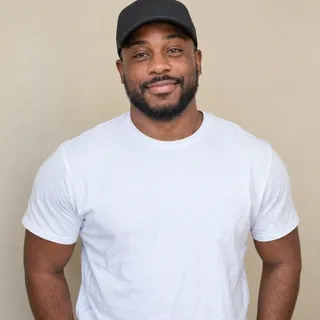
These two photos went in, and the AI swapped both people into the orange booth while keeping the original moves, camera and sound.

Real result made with this template on AiRap.me (5-second excerpt).
The Hotel Lobby trend is a TikTok duo trend built on a 2022 A COLORS SHOW performance of the song "Hotel Lobby", filmed in a bright orange studio with one hanging microphone. It took off on TikTok in mid-September 2026, when people started recreating the clip with a friend, a partner or a pet. AiRap.me's Hotel Lobby AI video generator is an online tool that swaps two of your photos into that 15-second clip, so you can do the trend without filming, editing or a CapCut template.
This is not a camera filter: you never stand in front of a camera. You upload one photo for the left performer and one for the right, and the video comes out in landscape (16:9), like the original clip. The video is ready in about 2 to 3 minutes as an MP4 with no watermark. Each photo needs exactly one clear face; group photos are not supported.
Each photo replaces one performer, so it needs exactly one subject with a face the AI can see. Every upload is checked before the video starts.
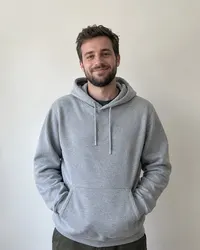
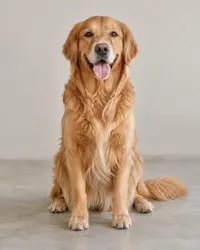

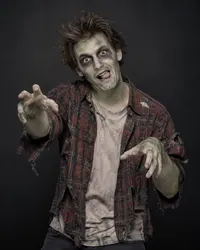
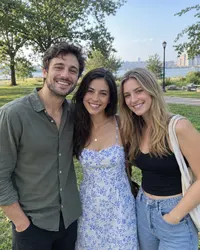
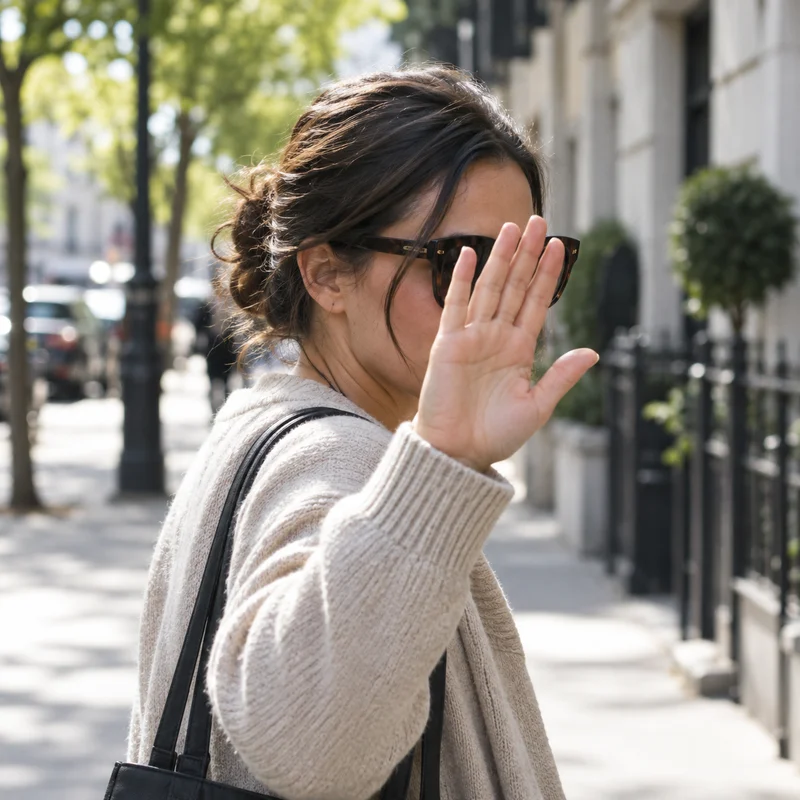
A photo that fails the check is marked on its slot with the reason, and no credits are used until both photos pass.
You only need two photos and about 2–4 minutes to put yourself and a friend into the trend, with no camera, editing app or template to learn.
Upload two photos: the left performer and the right performer.
Press generate. The AI swaps both of you into the original 15-second landscape (16:9) clip.
Download the MP4 with no watermark and share it with your duo partner.
Most people use the Hotel Lobby trend to put two people who belong together on one stage, and these are the pairings that get shared the most.
Send your duo partner a version of the trend you never had to film together, even if you live in different cities.
Turn a photo of you and your partner into a 15-second performance for an anniversary post or a birthday surprise.
Put your dog or cat in the booth next to you; pets keep their own look and take the second spot.
Cast two friends, coworkers or characters who would never share a stage and drop the video in the group chat.
There are several ways to make a Hotel Lobby video, and the right one depends on whether you want the original clip in a few clicks or full creative control.
| Tool | How you make it | Sound | Best for |
|---|---|---|---|
| CapCut template | Fill a template with your own photos or clips inside the CapCut app | The template's sound | People who already edit in CapCut on their phone |
| Higgsfield | Copy a prompt and upload a reference video and photos in a general AI video tool | Depends on the prompt and settings you choose | Creators who want to tweak prompts and experiment |
| AiRap.me | Upload two photos in the browser; the AI swaps both of you into the original clip | The original clip's sound | Recreating the exact Hotel Lobby performance with a friend or a pet |
Based on each tool's public pages as of October 2026; features and prices can change.
Bulin 47 AI Video Generator
Become the rapper in the viral Bulin 47 freestyle clip with one photo.
1 photo · 6-15-second video
Dime Dime Baby AI Video Generator
Dance the dime dime baby trend alone or with a friend.
1-2 photos · 6-15-second video
Tiny Desk AI Video Generator
Put up to four people in the desk-concert band and get a 16-second vertical clip.
1-4 photos · 16-second video
Answers to the questions people ask most before they make a Hotel Lobby AI video, from cost and photos to privacy.
Upload one photo for each performer and press generate. The finished 15-second landscape (16:9) video is ready in about 2 to 3 minutes and you can download it as an MP4 with no watermark.
Each Hotel Lobby video is paid with credits from a one-time pack or a monthly plan, with no subscription required. Credits come back automatically if a video fails.
See packs and plansMake the video here, download the MP4 and upload it to TikTok like any other video. The original sound is already in the clip, so you do not need to add music.
A CapCut template runs inside the CapCut app. Here you upload two photos in your browser and the AI swaps both faces into the original 15-second performance, keeping its moves and its sound, with nothing to install or edit.
No. This template needs two separate photos with one subject each, one for each performer. For a solo rap video from one photo, use the generator on the AiRap.me homepage.
Yes. Animals and drawn, anime or 3D characters work and keep their own look, and you can mix a person with a pet or a character. Photos of real children are refused.
Your photos and videos stay private to your account. They are never posted, shared with other users or used to train AI models.
Read the privacy policyNo. This is an independent AI tool and is not affiliated with the artists, COLORS or any record label. The template recreates a public trend for fun and personal sharing.
It can be. The video keeps the original song from the clip, so TikTok, Instagram and YouTube apply their own music rules: most allow it in posts, but some may mute the sound or add a copyright claim, especially on YouTube. Trend videos are for personal, non-commercial sharing, not for ads or paid promotion.
Pick two photos and get your 15-second landscape version of the trend in about 2–4 minutes, ready to post on TikTok, Reels or YouTube.
Make my Hotel Lobby video