

How do I make an AI hug video?
Upload one photo of each person, keep Hug selected and press Create effect. The six-second hugging video is usually ready in about 20–30 seconds.
Upload two photos and watch the two people step in and share a warm hug, or use one photo for a hug toward the camera.
A clear, well-lit photo works best. Two photos put two people side by side.
Credits come back automatically if the video fails.
Effect preview
The AI Hug Generator on AiRap.me is a photo-to-video effect that turns two photos into a six-second video of the two people hugging. You upload one photo of each person, and the AI places them side by side in a warm, softly lit room, then animates them stepping in and sharing a tight hug. With one photo, the person hugs toward the camera instead. You get an MP4 without a watermark, in 9:16 or 16:9, at 768P or 1080P, usually in about 20–30 seconds. Videos are paid in credits, new accounts get free starter credits to try it, and failed videos are refunded automatically.
The two photos don't need to be taken together: each person can come from a different selfie, place or year, and the AI puts them in the same scene.
These two hugging videos were made on this page from the photos shown: one from two separate photos, and one from a single photo hugging toward the camera.



Real 768P results, six seconds each, made with AI-generated portraits.
Every render gives you a finished hugging video made from your own photos, ready to share without any editing.
You download a clean file that plays anywhere, with no logo over the two of you.
Each person comes from their own photo, so you can bring together people who were never photographed side by side.
Pick 9:16 for TikTok, Reels and Shorts, or 16:9 for YouTube and slideshows; both cost the same.
A failed render returns its credits automatically, and every finished video is saved in My Videos.
You can make an AI hugging video in three steps on this page, with no app to install, and new accounts get free starter credits to try it.
Upload one clear photo of each person. Use One photo instead if you want a single person hugging toward the camera.
Keep Hug selected, and change quality or format in Video settings if you like.
Create the effect and download the MP4, usually in about 20–30 seconds. It is also saved in My Videos.
People use the hug effect to share a warm moment with someone who matters, even when they are far apart.
Turn two selfies into an AI couple hug video for an anniversary post or a message to your partner.
Bring together a friend or relative who lives far away, using one recent photo of each of you.
Send a short hug video instead of a card to say happy birthday or thank you.
Hug your dog or cat, or a cartoon character, by uploading a clear photo of them as the second person.
The AI copies each face from its own photo, so clear, front-facing photos give the most natural hug.
There are three common ways to make a hugging video, and the right one depends on whether you already have footage together.
| Method | What you need | Time | Best for |
|---|---|---|---|
| Film a real hug | Both people in the same place and someone to record | Minutes, if you are together | A genuine moment you can film |
| AI hug app | A phone app install and usually an account | A few minutes | Making hug videos on your phone |
| AI Hug Generator on AiRap.me | One photo of each person and a browser | Usually about 20–30 seconds | Two people who are apart, with no app to install |
Based on how each method works as of October 2026.
Knowing the limits up front helps you choose the right photos and avoid wasted renders.
Every effect uses the same photos and settings, so you can try another look without uploading again.
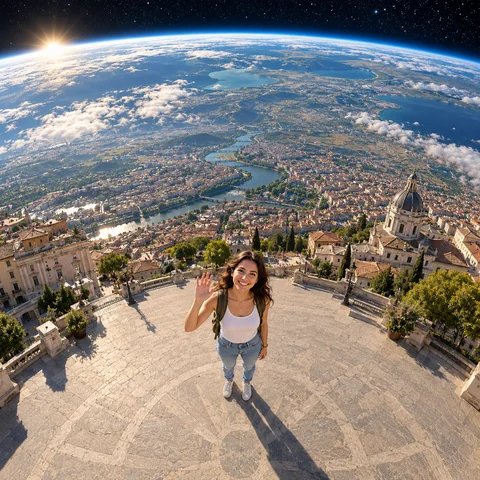 Earth Zoom Out AITurn one photo into a camera pull-back from your face past the Earth to the universe
 AI Dance GeneratorTurn one photo into a six-second video of you dancing on stage in a random style, from hip-hop to disco
 Personalized Birthday SongTurn one photo into a 10-second video of you singing a birthday song with their name in it
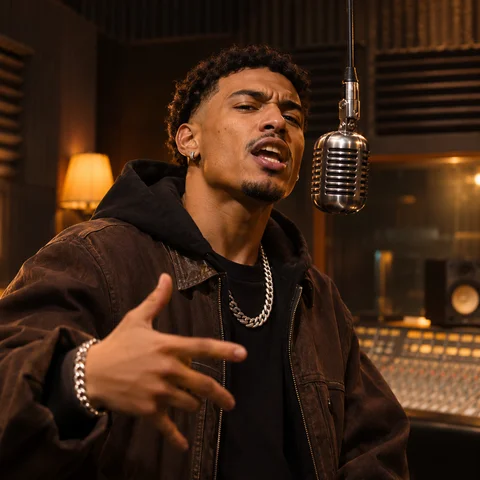 AI Rap MakerType one line about what the rap is about, pick a stage and get a 10-second video of your photo rapping it
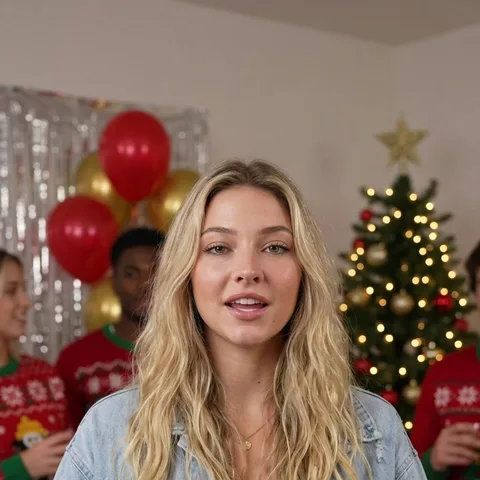 AI Christmas VideoTurn one or two photos into a 10-second Christmas rap video about your own topic, by the fireplace or in the snow
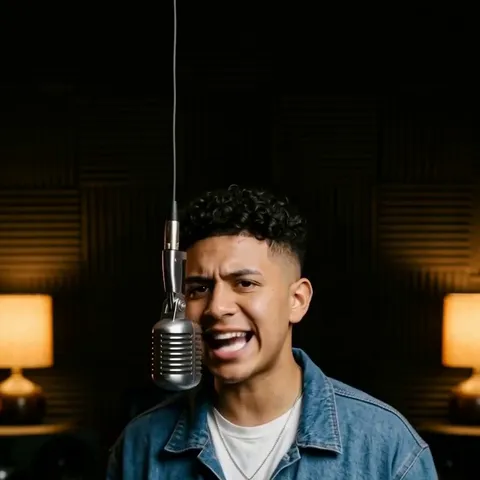 AI Diss Track GeneratorName who you are dissing and why, pick a stage and get a 10-second video of your photo roasting them in a rap
Answers to the questions people ask most before making their first AI hug video.
Upload one photo of each person, keep Hug selected and press Create effect. The six-second hugging video is usually ready in about 20–30 seconds.
New accounts get free starter credits to try it. After that each video is paid in credits, priced by quality and number of photos, and the exact cost shows on the button before you render.
See packs and plansYes. That is the default: upload one photo of each person and the AI puts them in one scene, then animates the hug.
Yes. Switch to One photo and the person steps toward the camera and hugs the viewer.
No app is needed; it runs in your browser. You do need a free account to create videos, so your results are saved in My Videos.
No. You download a clean MP4 with no logo on it.
Yes. Upload a clear photo of your pet as the second photo; it works with cartoon characters too.
Only with their permission, and both people should be adults: photos of children are not accepted.
Read the privacy policyYour photos and videos stay private in your account. They are never published or used to train AI models, and you can ask us to delete them at any time.
Read the privacy policyUpload one photo of each person, keep Hug selected and get a six-second hugging video in about 20–30 seconds.
Create my hug video