

How to Make an AI Rap Video From One Photo
Turn one photo into an AI rap video with an original verse, beat and lip sync. Photo rules, rap styles, Duo mode, credit costs and fixes, step by step.
By AiRap.me Team·Updated Oct 29, 2026
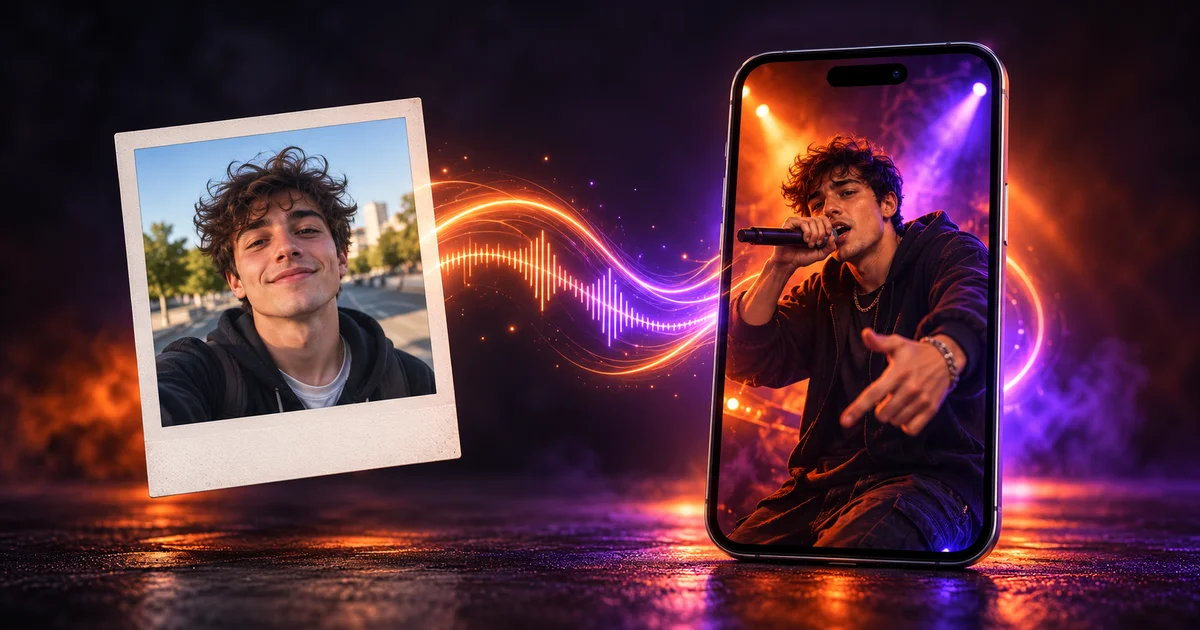
An AI rap video used to need a song first: you recorded vocals or generated a track somewhere else, then fed the audio to a video tool. AiRap.me skips that. You upload one photo, and the AI rap generator writes a short verse, makes the beat and animates the face so it raps in sync. The result is a 6, 10 or 15 second MP4, vertical or landscape, ready for TikTok or Reels.
This guide walks through the whole process the way the generator actually works today, including the parts that trip people up: which photos get refused, what each setting costs and what the tool can't do yet.
- You need
- One photo
- Length
- 6, 10 or 15 s
- Format
- 9:16 or 16:9
- Ready in
- Under a minute
What an AI rap video is (and what it isn't)
On AiRap.me, an AI rap video is a short clip where the person, pet or character in your photo raps an original verse. Three things are generated for you:
- The verse. Written fresh for the theme you pick.
- The beat. Built around the rap style you choose, from trap to Afro trap.
- The performance. The face is animated with lip sync, head movement and hand gestures.
Here is a real example: one photo in, one trap rap video out.
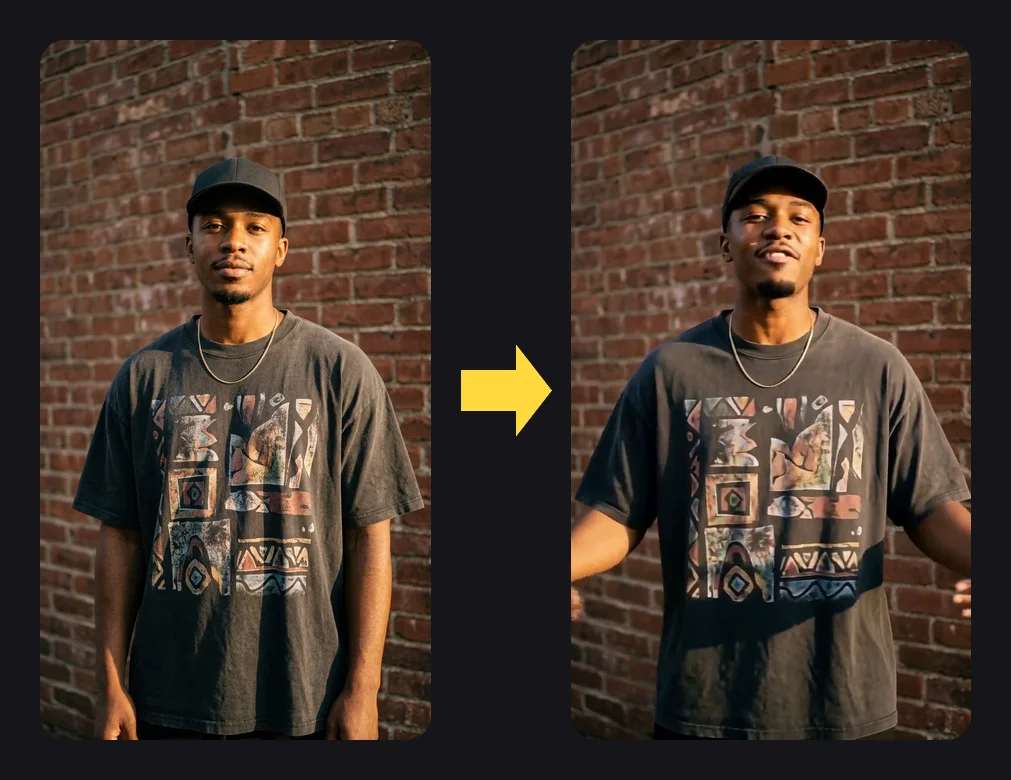
What it isn't: a full-length music video, and not a tool for your own recorded song. If you already have a finished track and want visuals for it, a music-video tool that takes audio is the better fit. You also can't type your own lyrics into the video yet. More on that below.
What you need before you start
You need a free AiRap.me account and one photo. That's it. No microphone, no audio file, no editing app.
Pick the right photo
The photo matters more than any setting. What works best:
- One subject. One adult, one pet or one drawn character.
- A clear face. Well lit, looking roughly at the camera.
- Enough pixels. After framing, the short side should be at least 768 px for 768P or 1080 px for 1080P.
- A normal file. JPG, PNG or WebP, under 10 MB.
Photos that get rejected
Every photo is checked before the video starts. These get refused:
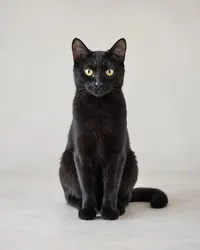
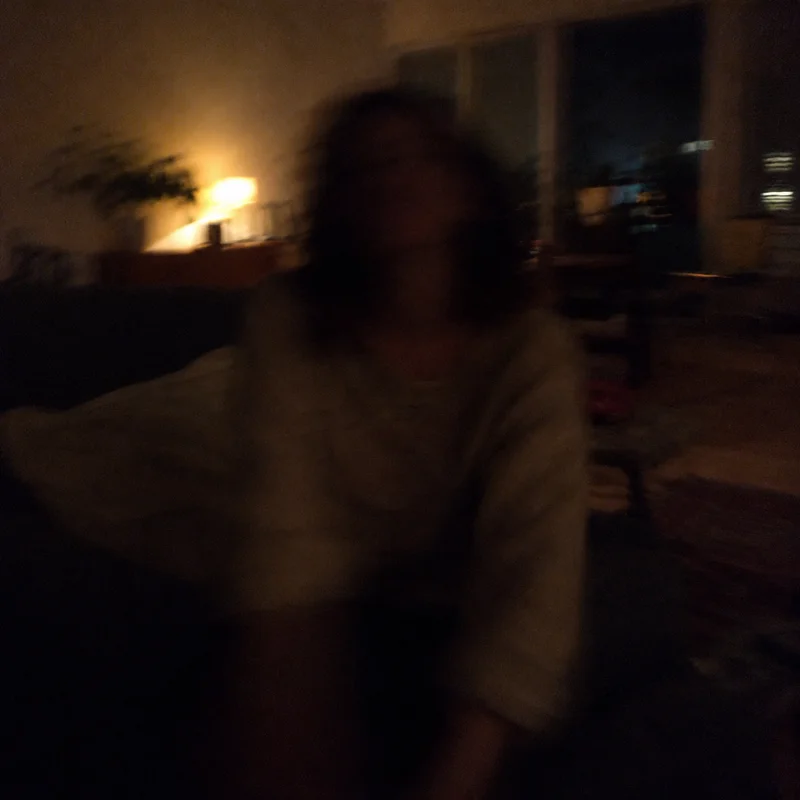
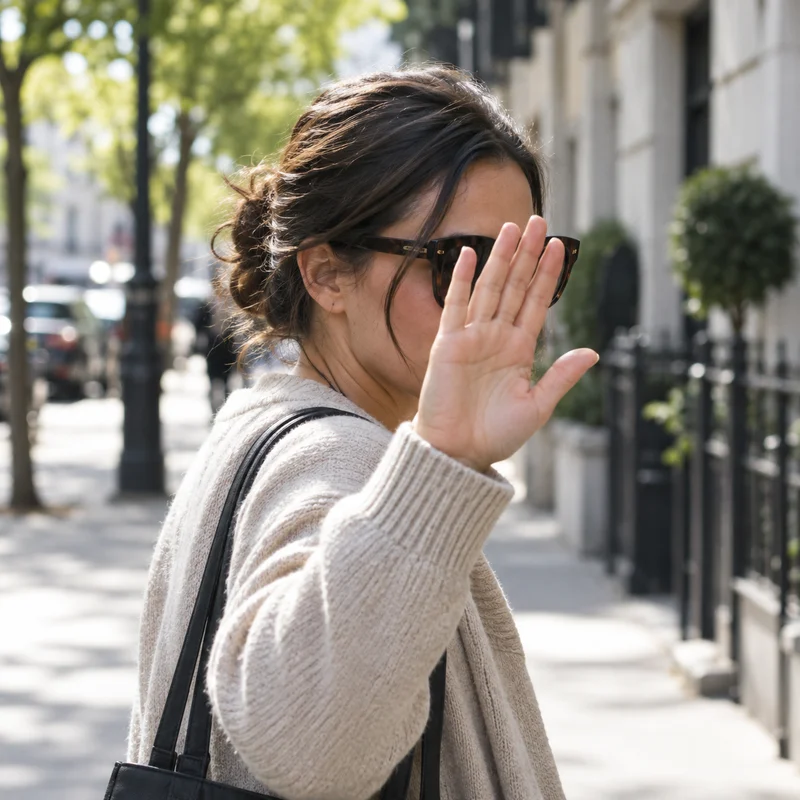
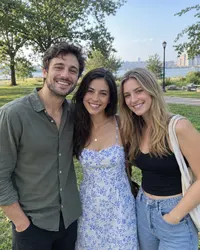
Photos of real children are refused and never stored. Celebrities, public figures and other famous people are not allowed either, even as a parody. Use photos of adults who have said yes. A refused photo never costs credits.
How to make an AI rap video, step by step
The whole flow lives on the home page. Here is each step as it appears in the AI rap video generator.
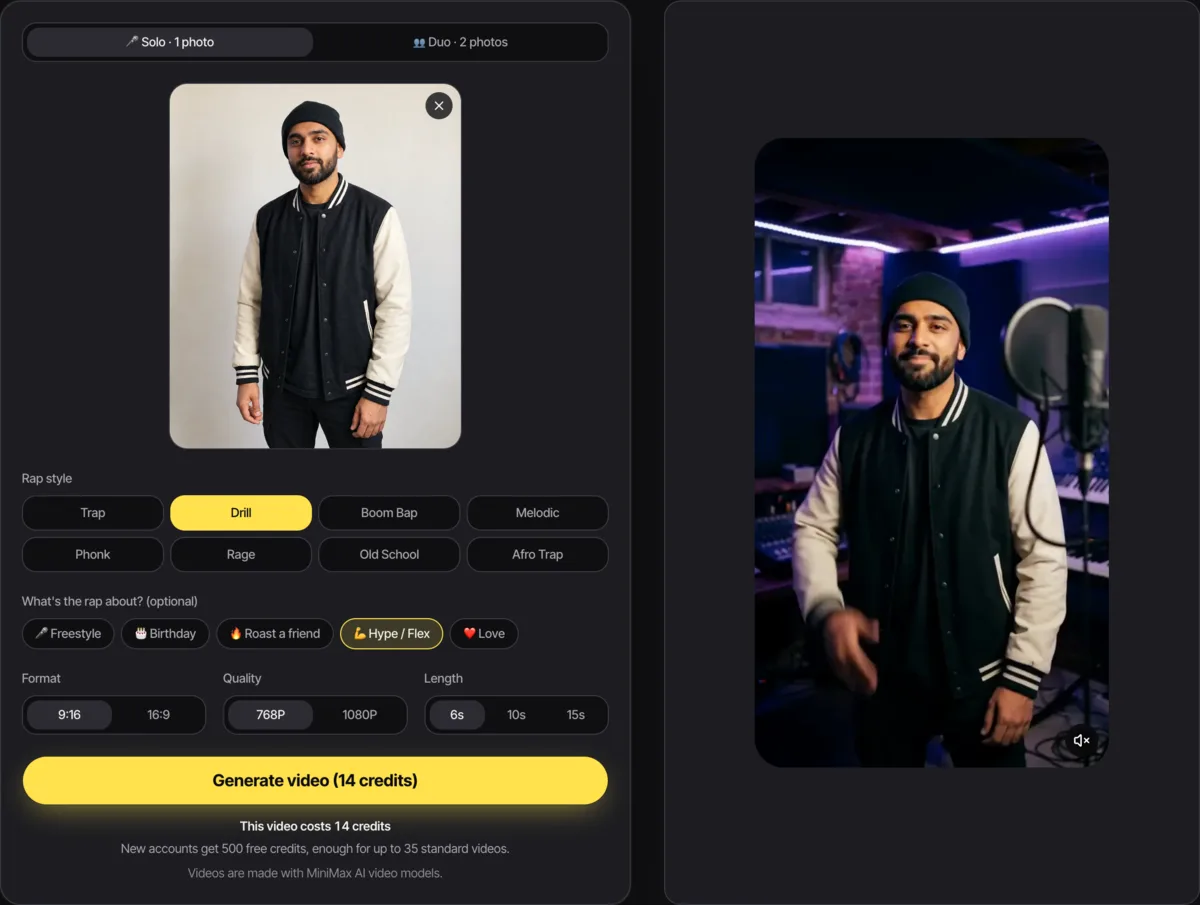
Upload and frame your photo
Click Upload a photo and pick your image. Then choose the format: 9:16 is vertical, for TikTok, Reels and Shorts; 16:9 is landscape, for YouTube or a TV screen. Your photo becomes the first frame of the video, so drag and zoom it until the face sits where you want it. You see the framing before you spend any credits.
Choose a rap style
Pick one of eight styles. The style sets the beat and the flow of the verse. Not sure? Start with trap; the next section compares all eight.
Pick what the rap is about (optional)
Leave it on Freestyle or choose Birthday, Roast a friend, Hype / Flex or Love. The theme only changes what the verse says. It doesn't change the price.
Set quality and length
Choose 768P or 1080P, then 6, 10 or 15 seconds. The button shows the exact credit cost before you generate, for example "Generate video (14 credits)".
Generate and download
Click generate. You'll see three stages: checking your photo, building your scene, animating your rap video. A solo video is usually ready in about 20–30 seconds. You can leave the page: the video waits in My Videos, and we email you if you weren't there when it finished. Then hit Download MP4. There's no watermark.
Which rap style to choose
All eight styles work with any photo and any theme. Here's how they sound:
| Style | What it sounds like | Good for |
|---|---|---|
| Trap | Rolling 808s, fast hi-hats, a confident punchy flow | Most viral clips, a safe first pick |
| Drill | Sliding bass, off-beat snares, a cold aggressive delivery | Roasts, tough-guy edits |
| Boom bap | Dusty 90s drums, a jazzy loop, wordy clever bars | Parents, grandparents, throwback jokes |
| Melodic | Soft keys over 808s, a smooth half-sung hook | Love and birthday videos |
| Phonk | Distorted 808s, cowbell, Memphis vocal chops | Car, gym and night-drive edits |
| Rage | Loud synth leads, booming bass, shouted ad-libs | Hype and flex videos |
| Old school | Drum machine, record scratches, a bouncy 80s flow | Retro looks, funny family clips |
| Afro trap | Afrobeat percussion and log drums over 808s, chant-like hooks | Party and dance moments |
To hear each one before you spend credits, the style section of the rap lyrics generator plays a sample clip for every style.
Make two people rap together (Duo)
Switch the generator to Duo to put two people in one video. Add one single photo of each person, not a photo of you together. Then pick a scene: studio, street, rooftop or stage.
The left rapper takes verse one and the right rapper takes verse two. Use Swap left and right to change the order.
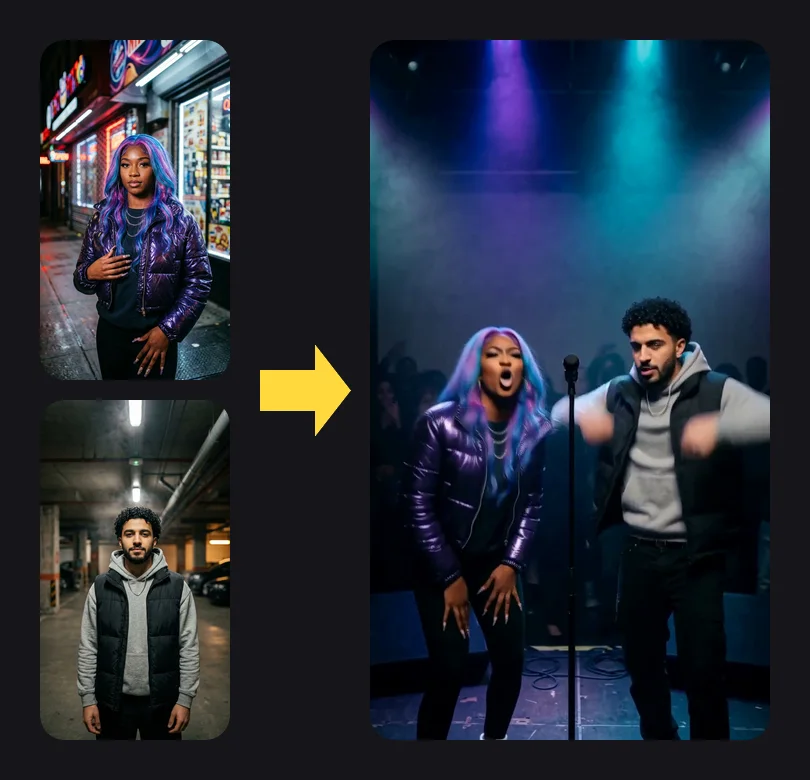
A Duo costs 2 credits more than the same solo video, because both photos are first placed into the scene.
Make your dog, cat or anime character rap
Pets and drawn characters work in the same generator. A cat or dog raps with its own mouth and paws, and a cartoon, anime or 3D character keeps its art style. The photo rules are the same: one subject with a clear, visible face. A side-on dog with its head down won't work well; a front-facing one usually does.
How much an AI rap video costs
Videos are paid with credits. The price depends only on quality and length:
| Quality | 6 seconds | 10 seconds | 15 seconds |
|---|---|---|---|
| 768P | 14 credits | 22 credits | 32 credits |
| 1080P | 28 credits | 44 credits | 64 credits |
Duo adds 2 credits. Themes and styles are free to switch.
Credits only stay spent if the video finishes. A failed video never costs credits: they return to your balance automatically. See credit packs and plans for prices and the refund policy for the full terms.
Tip: do your first try at 768P and 6 seconds. It is the cheapest way to check that the photo and style work before you pay for a longer 1080P video.
Tips for a better result
- Light the face. Daylight from the front beats a dim room or a strong backlight.
- Frame with headroom. Leave some space above the head; the rapper moves.
- Match the style to the person. Boom bap on a grandma photo is funnier than drill.
- Pick vertical for social. 9:16 fills the screen on TikTok, Reels and YouTube Shorts.
- Try another photo before another style. If the face looks off, the photo is almost always the reason.
One honest limit: the verse is AI-written, so it won't say a specific name. For a birthday video, the theme gets the mood right, but you'll want to add the name in your caption.
Where to take it next
Once you have your first clip, there's more to do with the same photo:
- Jump into a viral template like Hotel Lobby or Bulin 47, where your photo replaces the person in the original clip.
- Making one for a friend? Grab fill-in lyrics from our rap song for birthday guide.
- Find a rap name to put in your caption.
- Write your own bars with the rap lyrics generator, or learn how to write a rap from scratch.
Or go straight back to the AI rap generator and make your first video.
References
- MiniMax, developer of the H3 video models AiRap.me uses to animate rap videos
- YouTube Help: Get started creating YouTube Shorts
Make your AI rap video now
Upload one photo and get your rap video in about 20–30 seconds.